This article explains which applicant tracking systems and recruitment CRMs Refari integrates with, and what each integration does. In short: Refari connects to JobAdder, Loxo, Atlas, Seven20 and RecruitWizard in both directions, so jobs flow from your ATS onto your Refari job board and candidates who apply or register on your website flow back into the ATS. If you do not use an ATS at all, you can post jobs directly in Refari.
An ATS (applicant tracking system) or recruitment CRM is the system where your team manages jobs, candidates and placements. Your job board is the careers page on your website where anyone can browse and apply for your roles. Refari's job is to keep the two in step, so you only ever manage a job in one place.
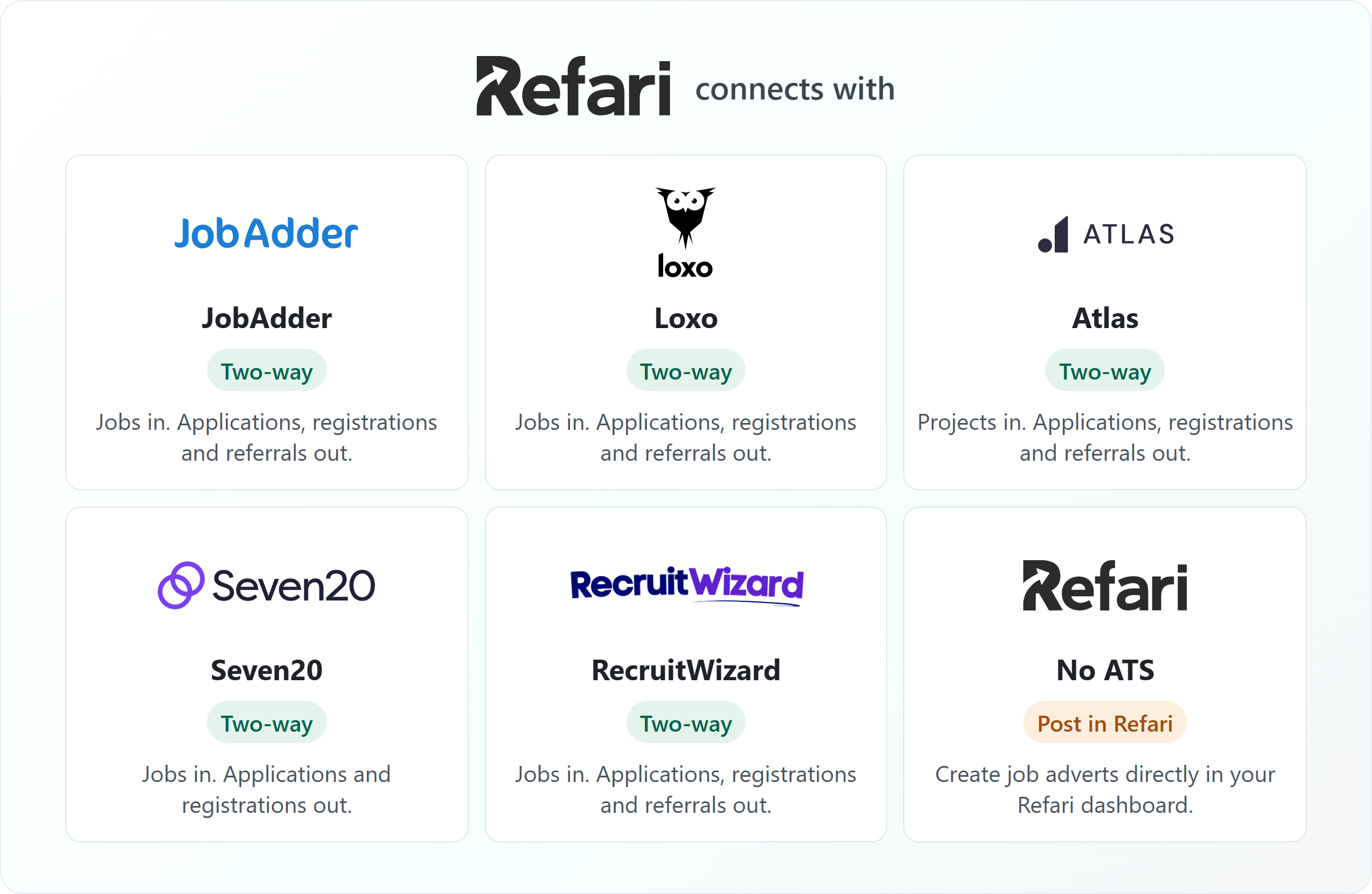
Refari ATS integrations at a glance
The table compares what moves in each direction, and how quickly.
| Integration | Jobs onto your Refari job board | Back into your ATS | Candidate stage updates in Refari |
|---|---|---|---|
| JobAdder | Jobs you post to your Refari job board in JobAdder. New and expired adverts arrive straight away, with an hourly backup check; edits are checked every 4 hours. | Applications, registrations and referrals | Instantly |
| Loxo | Jobs that are Published and Active in Loxo. Changes arrive in near real time. | Applications, registrations and referrals | About 5 minutes after the change |
| Atlas | Projects that are public and active. Checked about every 10 minutes, with a full check every 6 hours. | Applications, registrations and referrals, sent when the form is submitted | About every 10 minutes |
| Seven20 | Jobs sent to Refari by Seven20. | Applications and registrations | Not sent to Refari |
| RecruitWizard | Jobs sent to Refari by RecruitWizard. | Applications, registrations and referrals | Not sent to Refari |
| No ATS | You create job adverts directly in your Refari dashboard. | Not applicable: everything stays in Refari | Managed in Refari |
A registration is a candidate signing up to your talent pool without applying for a specific job. A referral is a recommendation: someone tells you about a person who could suit one of your roles.
JobAdder
JobAdder is Refari's longest-standing integration and is fully two-way. You connect it by signing in to JobAdder from the link Refari sends you and choosing the JobAdder job board to sync, then you post jobs to that board from inside JobAdder as normal. How to link JobAdder to Refari ↗ walks through the connection step by step.
Applications, registrations and referrals are created in JobAdder, and candidate progress in JobAdder flows back to Refari as it happens. For the exact schedule behind each part of the sync, see How often Refari synchronises with JobAdder ↗.
When a job is missing from your board, the usual cause is a field on the JobAdder advert. Why a job advert might not appear on your Refari job board ↗ lists each cause and how to fix it.
Loxo
You connect Loxo by pasting a Loxo API key into a connection link from Refari Support. Refari then sets up everything it needs in Loxo automatically, and imports every job that is Published and Active, as long as it has an owner, a category, a job type and a location. The Loxo guides cover each part:
- Setting it up, and what syncs when: How to connect Loxo to Refari ↗.
- When a Loxo job does not appear on your board, work through Why a Loxo job is not showing on your Refari job board ↗.
- To see where candidates from your website land in Loxo, read How Refari applications, registrations and referrals appear in Loxo ↗.
- To put your Loxo jobs on your own website rather than an embedded Loxo page, follow How to add Loxo jobs to your website without an iframe ↗.
- To ask placed candidates for Google reviews automatically, set up Google review requests from Loxo placements ↗.
- To get your Loxo jobs into job search engines: How to get your Loxo jobs into Google for Jobs, Indeed and Jora ↗.
- How each Loxo field shows on your board, from categories to salary: How Loxo job fields appear on your Refari job board ↗.
Atlas
You connect Atlas by creating an Atlas API key and pasting it into a connection link from Refari. There are no webhooks to configure. Refari advertises each Atlas project that is public and active, and it needs the project's Job Board Category custom attribute, a location, a work type and an owner. The Atlas guides cover each part:
- Setting it up, step by step: Connecting and using the Atlas integration ↗.
- When a project does not appear on your board (most often a missing category), see Why an Atlas job is not showing on your job board ↗.
- Where candidates from your website land in Atlas: How Refari applications, registrations and referrals appear in Atlas ↗.
- Getting Atlas jobs onto your careers page and job sites: How to put Atlas jobs on your careers page and into Google for Jobs, Indeed and Jora ↗.
- Asking placed candidates for Google reviews automatically: How to automatically request Google reviews when you place a candidate in Atlas ↗.
- How each Atlas field shows on your board, including Job Board Category: How Atlas project fields appear on your Refari job board ↗.
Seven20
Seven20 is a recruitment CRM built on Salesforce. Seven20 built its integration with Refari, so your jobs are sent from Seven20 to your Refari job board, and when someone applies or registers on your website, Seven20 receives the candidate and the application.
Candidate stages in Seven20 are not sent back to Refari, so features that rely on a stage change, such as TopRec review requests after a placement, are not triggered from Seven20. Referrals made on your job board stay in Refari. To switch the integration on, contact Refari Support and we will set it up with you and Seven20.
What syncs, what a job needs to appear and how to switch it on are covered in Seven20 job board integration: what syncs with Refari ↗.
RecruitWizard
RecruitWizard built its integration with Refari too. Your jobs are sent from RecruitWizard to your Refari job board, and applications, registrations and referrals made on your website are sent to RecruitWizard.
As with Seven20, candidate stages in RecruitWizard are not sent back to Refari, so stage-triggered features such as TopRec review requests are not available from RecruitWizard. To switch the integration on, contact Refari Support and we will set it up with you and RecruitWizard.
What syncs, what a job needs to appear and how to switch it on are covered in RecruitWizard job board integration: what syncs with Refari ↗.
Using Refari without an ATS
You do not need an ATS to use Refari. You can create job adverts directly in your Refari dashboard, and they appear on your job board, in job alerts and in your job feeds exactly like an imported job. Applications, registrations and referrals are kept in Refari for your team to manage.
What you get on the Refari side, whichever ATS you use
Once jobs are in Refari, the same tools work for every integration:
- A job board on your own website, with search, filters and a page for every job.
- Job alerts, so candidates hear about new roles that match what they are looking for.
- Refer a friend buttons, so your network can recommend people for your roles.
- Job feeds to aggregators such as Indeed and Jora. Manage Job Distribution to XML Feeds ↗ explains how to control which jobs go where.
- Google for Jobs, included when Refari builds your website. Why your jobs are not showing in Google for Jobs ↗ covers what Google needs.
Idea: If you use JobAdder, Loxo or Atlas, TopRec can also ask placed candidates for a Google review automatically, triggered by the placement stage in your ATS.Using something else? Ask us what works today
If your ATS or CRM is not listed here, contact us and tell us which system you use. We will tell you honestly what works today, including whether you can run Refari alongside it by posting jobs directly in Refari.
Frequently asked questions
Do I have to enter my jobs twice?
No. With JobAdder, Loxo, Atlas, Seven20 or RecruitWizard, you create and edit jobs in your ATS and Refari picks them up. You only create jobs in Refari if you do not use an ATS.
Do applications from my website go back into my ATS?
Yes. With JobAdder, Loxo, Atlas and RecruitWizard, applications, registrations and referrals are created in your ATS automatically. With Seven20, applications and registrations are sent to Seven20, and referrals stay in Refari.
How long does a new job take to appear on my job board?
With JobAdder and Loxo, usually within minutes. With Atlas, within about 10 minutes. With Seven20 and RecruitWizard, as soon as your ATS sends the job to Refari. If a job never appears, it is almost always a missing field in the ATS, and the troubleshooting guides above show which one.
Can I use Refari without an ATS?
Yes. Post your job adverts directly in your Refari dashboard and manage candidates in Refari.
Does Refari work for in-house recruitment teams as well as agencies?
Yes. Every integration here works the same way for an in-house talent team as for a recruitment agency.
Final Notes
Whichever system you use, the aim is the same: manage each job once, in the place your team already works, and let Refari put it in front of candidates. Refari is a recruitment marketing platform for recruitment agencies and in-house talent teams: job boards and widgets for your website, job alerts, candidate referrals, TopRec reviews and job distribution, all connected to your ATS. New to Refari? Book a demo at refari.co. Already a customer? Contact Refari Support and we will help you connect your ATS.
Other articles you might be interested in: How to connect Loxo to Refari | Connecting and using the Atlas integration | How to link JobAdder to Refari
Was this article helpful?
That’s Great!
Thank you for your feedback
Sorry! We couldn't be helpful
Thank you for your feedback
Feedback sent
We appreciate your effort and will try to fix the article